From a phone call to a photograph on the order.
Service is the part of the business that falls out of the ERP. The order is in BisTrack; what went wrong with it ends up in a shared mailbox, a spreadsheet, or a help desk that knows nothing about your orders. Onsite puts it back — a ticket that starts from the real sales order, a technician who gets the job on their own phone, and everything they recorded filed against that order in BisTrack's own document store.
It starts from the order, not from an email.
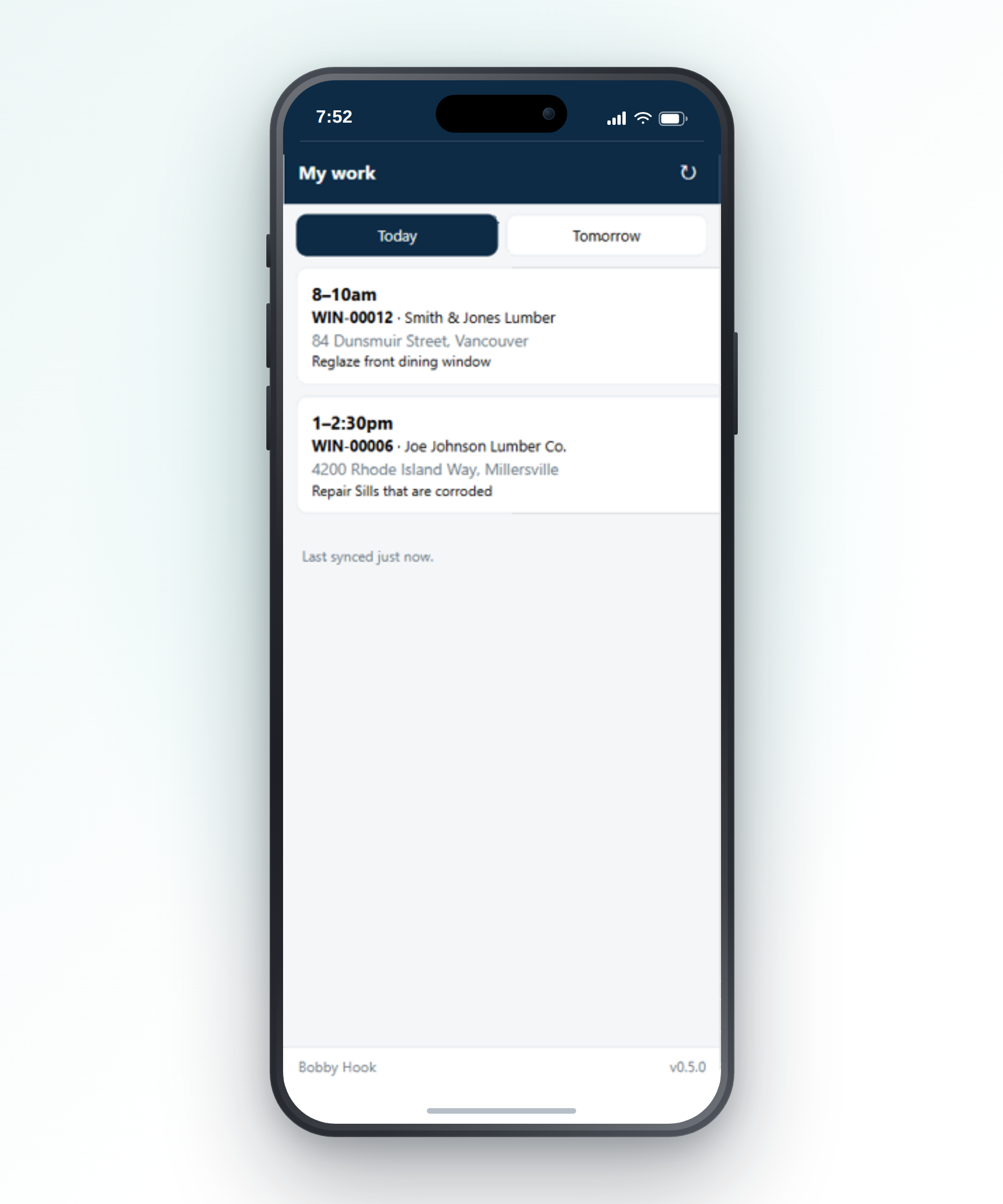
Search the customer, the address or the postcode — you're searching BisTrack, so what you find is what BisTrack knows. Pick the sales order the complaint is about, and the ticket is anchored to it for good.
Describe what's wrong as structured issues: a category, a location on the site, a note. Your categories, your locations, your service types, your statuses — Onsite ships with none of them and no status name is written into the software.
Book the visit where you can see the whole team.
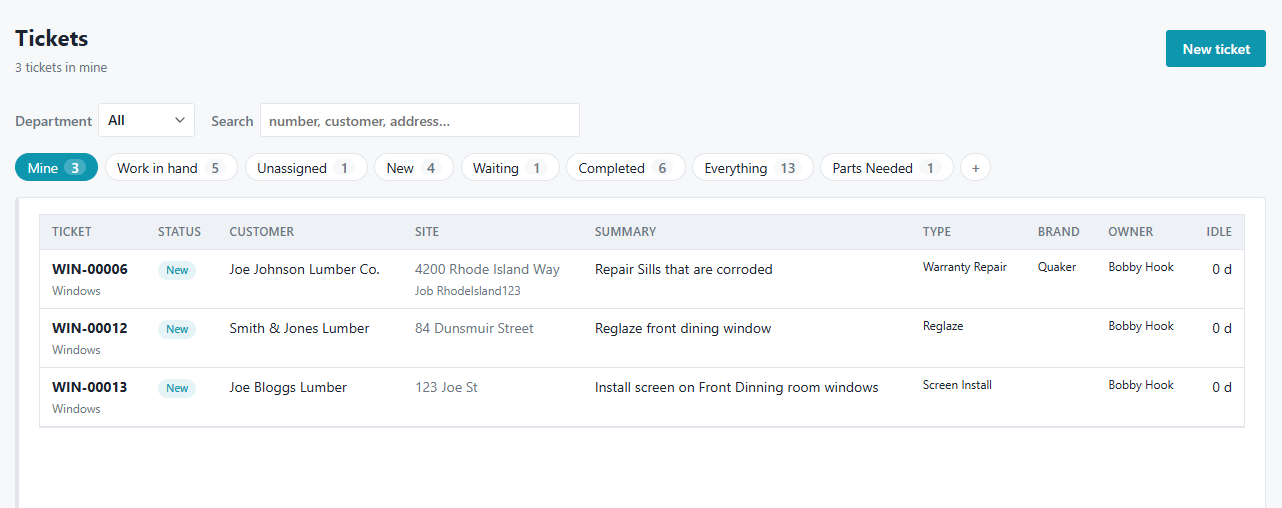
The schedule board is the day as columns of technicians, one department at a time — which is the only view that's usable when a branch runs five to ten technicians in a department and no real crossover between them.
Book a visit, drag it to somebody else, move it to tomorrow. The technician's phone has it on its next sync, and the homeowner can be told automatically if you want them to be.
An app built for a house with no signal.
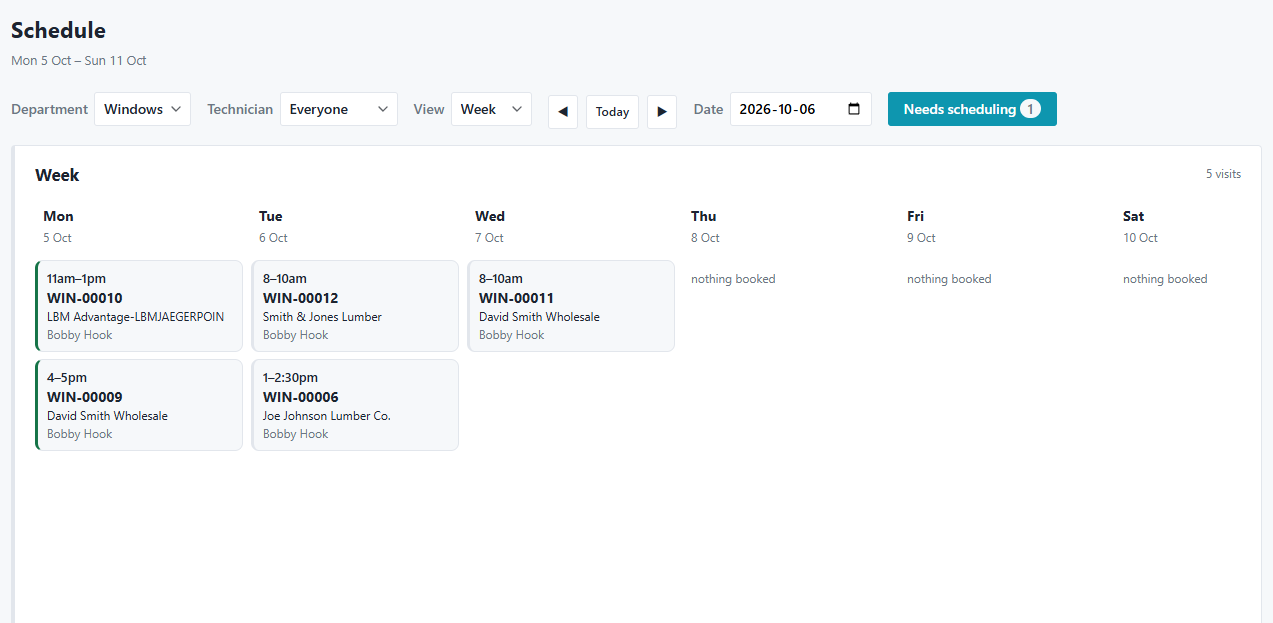
Technicians install it to their home screen from a link you email them — no app store, no device management, no profile. It opens full screen and holds the day's work on the phone.
The address, what's wrong, the order lines and the spec sheets the office attached are all there with the phone in airplane mode. Notes, photographs and video queue up and send themselves when signal comes back. The documents are the part that matters: a drawing is wanted precisely where there's no coverage, which is why it's downloaded before the technician leaves the yard rather than fetched when they need it.
Photographs, video, and the part that's needed.
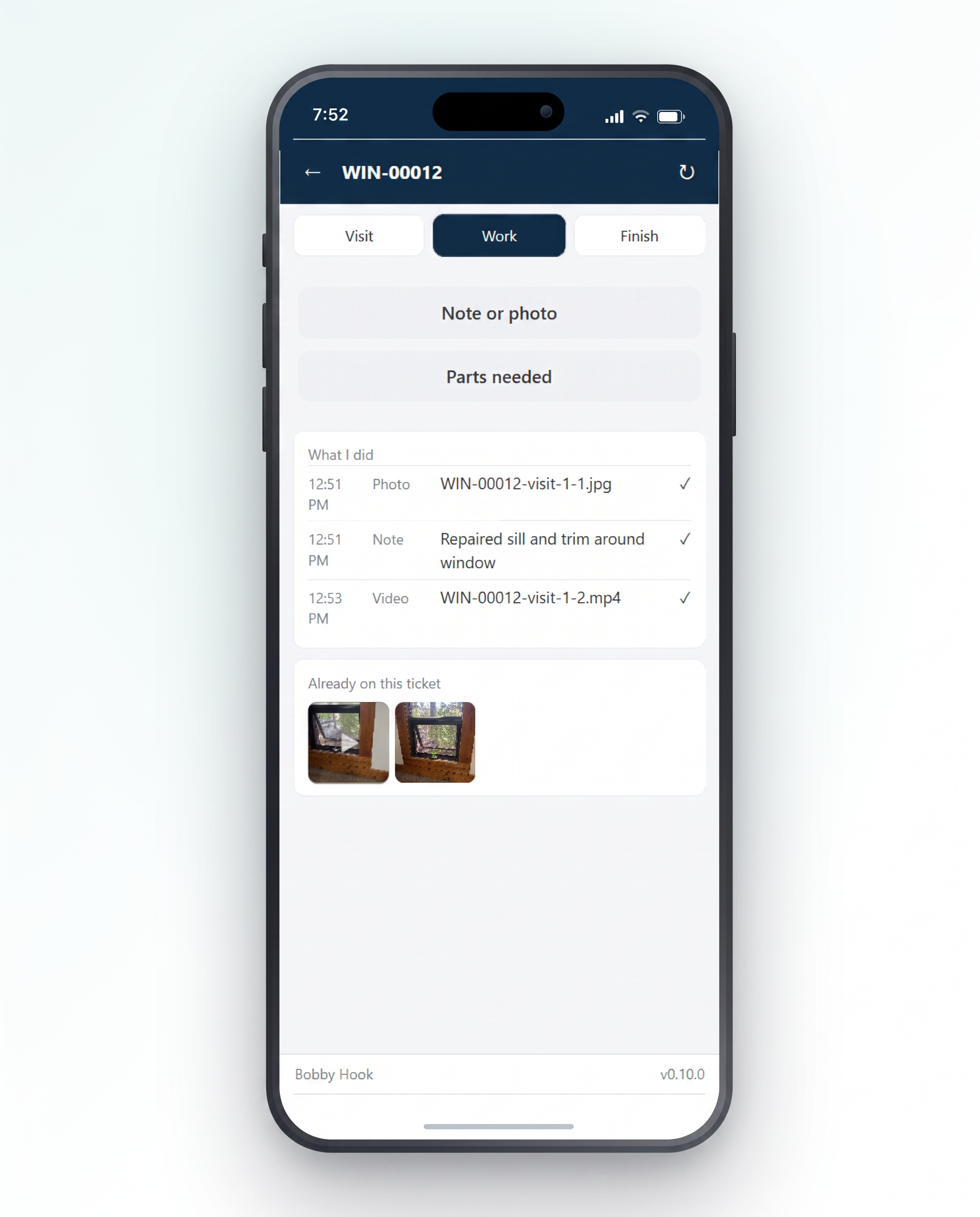
A photograph of the damage, a short clip of the sash that binds, and what they actually did — recorded on the phone, at the house, rather than written up from memory at five o'clock.
If the job needs a part, the technician records it and the ticket moves to the status you nominated for it. Onsite doesn't order anything: a service part gets ordered differently at every branch, and automating the wrong one is worse than automating none.
On the order, where your people already look.
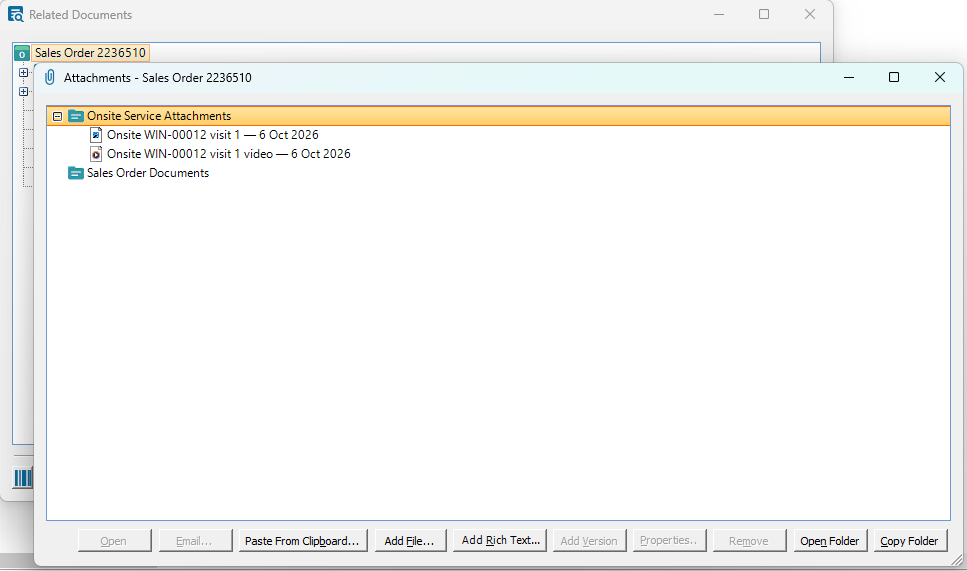
Photographs, video and PDFs are filed into the BisTrack attachment folder you nominate, through BisTrack's own procedures, under a service identity you choose — so they appear in Related Documents and your audit log reads the way it always has.
The technician's account of the job goes onto the sales order's notepad, which is where counter staff already look when a customer rings back. A note can carry a follow-up that lands on a BisTrack user's own calendar.